



A slow phone can be frustrating, especially when you rely on it for work, communication, and daily tasks. Apps take longer to open, scrolling becomes laggy, and even simple actions feel delayed. This usually does not happen suddenly. It builds up over time due to storage issues, software problems, or hardware limitations. Understanding the root cause helps you fix the problem instead of just managing it. In many cases, simple changes can improve performance without needing a new device. However, sometimes professional help is required when the issue is more serious. Knowing what affects your phone speed allows you to take the right steps and keep your device running smoothly..
Too Many Background Apps Running
One of the most common reasons for a slow phone is too many apps running in the background. Even when you are not using them, many apps continue to use memory and processing power.
This reduces the resources available for active apps, making your phone feel slow. Closing unused apps regularly can help improve speed and performance. Restarting your phone also clears temporary background processes.
Low Storage Space
When your phone storage is almost full, performance drops significantly. The system needs free space to function properly, and without it, everything slows down.
Photos, videos, apps, and cached data can quickly fill up storage. Removing unused files and apps can help restore speed. Keeping at least some free space is important for smooth performance.
Outdated Software
Software updates are important for performance and security. If your phone is running an old operating system, it may not function efficiently with newer apps.
Updates often include bug fixes and performance improvements. Ignoring updates can lead to slower performance and compatibility issues. Keeping your phone updated is a simple way to maintain speed.
Too Many Cached Files
Apps store temporary data called cache to load faster. Over time, this data builds up and can slow down your phone instead of helping it.
Clearing cache regularly can improve performance. It removes unnecessary files without affecting personal data. This is a simple maintenance step that many users forget.
Weak or Aging Battery
Battery health also affects phone performance. When a battery becomes weak, the phone may reduce performance to conserve power.
This can make apps slower and reduce overall speed. In some cases, replacing the battery can restore normal performance and improve responsiveness.
Malware or Unwanted Apps
Some apps run unwanted processes in the background and slow down your phone. Malware or poorly designed apps can consume memory and battery.
Removing suspicious or unused apps can help improve speed. It is also important to download apps only from trusted sources to avoid performance issues.
Hardware Limitations
Older phones naturally become slower over time because new apps require more processing power. The hardware may no longer be strong enough to handle modern software.
In such cases, performance improvements may be limited. However, reducing app usage and clearing storage can still help optimize speed.
When Professional Help Is Needed
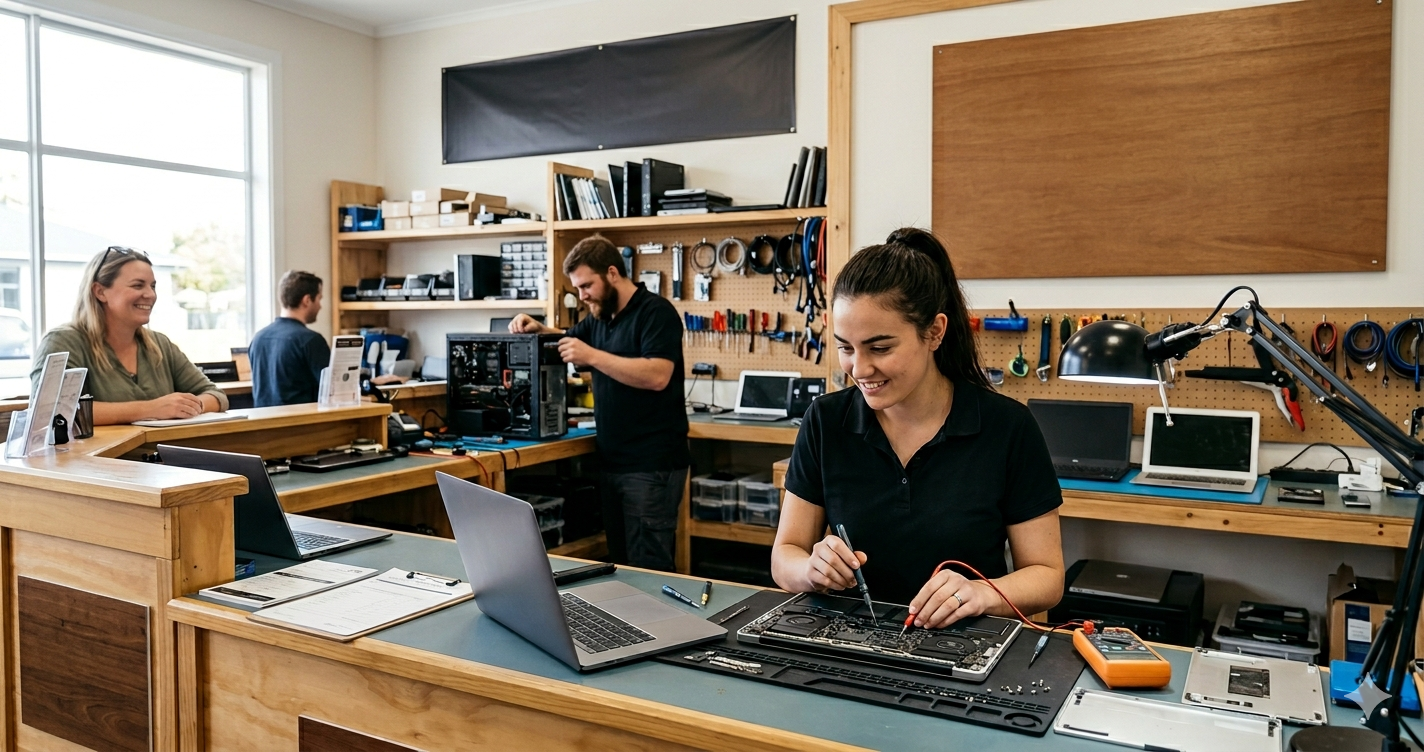
If your phone remains slow even after basic fixes, there may be deeper issues. Hardware damage, internal storage problems, or system errors may require expert attention.
Visiting a trusted cell phone repair Lake Park service can help diagnose and fix complex issues that cannot be solved through simple troubleshooting.
Benefits of Professional Diagnosis
A professional technician can check both software and hardware problems. They can identify hidden issues that are not visible to users.
A reliable phone repair service Lake Park can also suggest whether repair is enough or if replacement parts are needed. This ensures accurate solutions instead of temporary fixes.
Preventing Future Slowdowns
Regular maintenance can prevent your phone from slowing down again. This includes clearing unused apps, managing storage, updating software, and restarting your device occasionally.
Avoid installing too many unnecessary apps and keep your phone clean from junk files. Simple habits can help maintain long-term performance.
Final Thoughts
A slow phone is usually caused by a combination of small issues like storage overload, background apps, outdated software, or aging hardware. Most of these can be fixed with simple steps, but some require professional attention.
Understanding the cause helps you choose the right solution. With proper care and timely repairs when needed, you can keep your phone running smoothly and avoid unnecessary frustration.












Leave a Reply